
Add Injective to MetaMask
Select the network that you want to add:
What Is Injective?
Injective is a Layer 1 blockchain built with the Cosmos SDK that is focused on decentralized finance. It offers fast and low-cost transactions, native interoperability with Ethereum and other chains, and specialized infrastructure for trading applications. The native token of Injective is INJ. Learn more about Injective on its website.
Steps To Add Injective to MetaMask
The process of adding Injective to your wallet may be slightly different depending on the wallet you are using. The steps below are for MetaMask. If you are using a different wallet, there is most likely a similar process that you can follow.
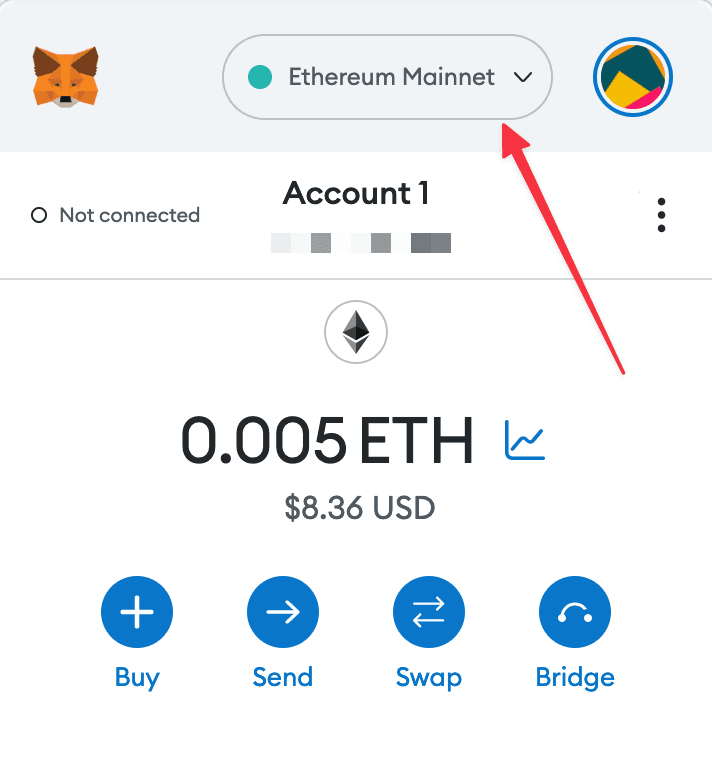
1. Open your wallet and go to the "Add network" page.
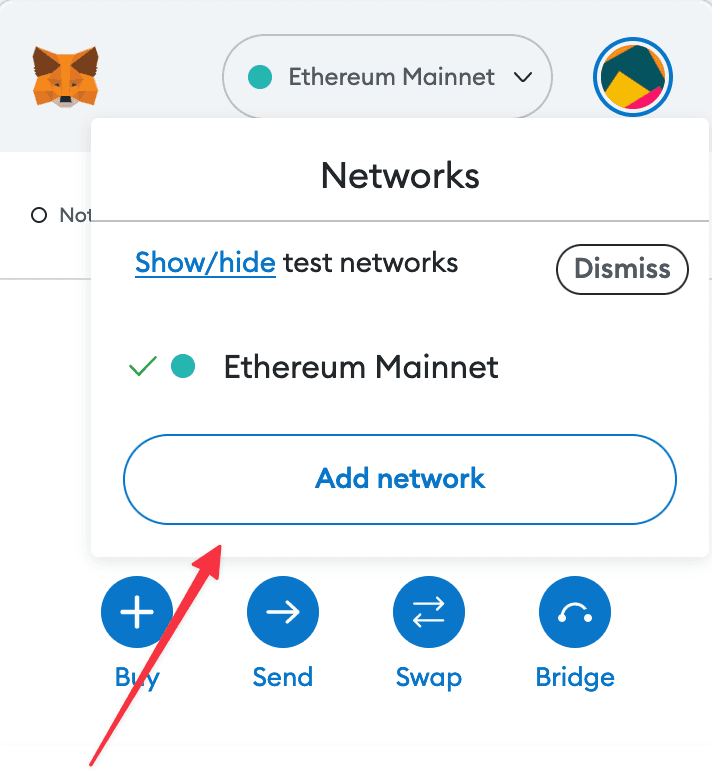
2. Enter the required details and click "Save".
After entering all the required details, you can click "Save" to add Injective to MetaMask.
Alternatively, you can use our one-click button so you don't need to enter the required details manually.